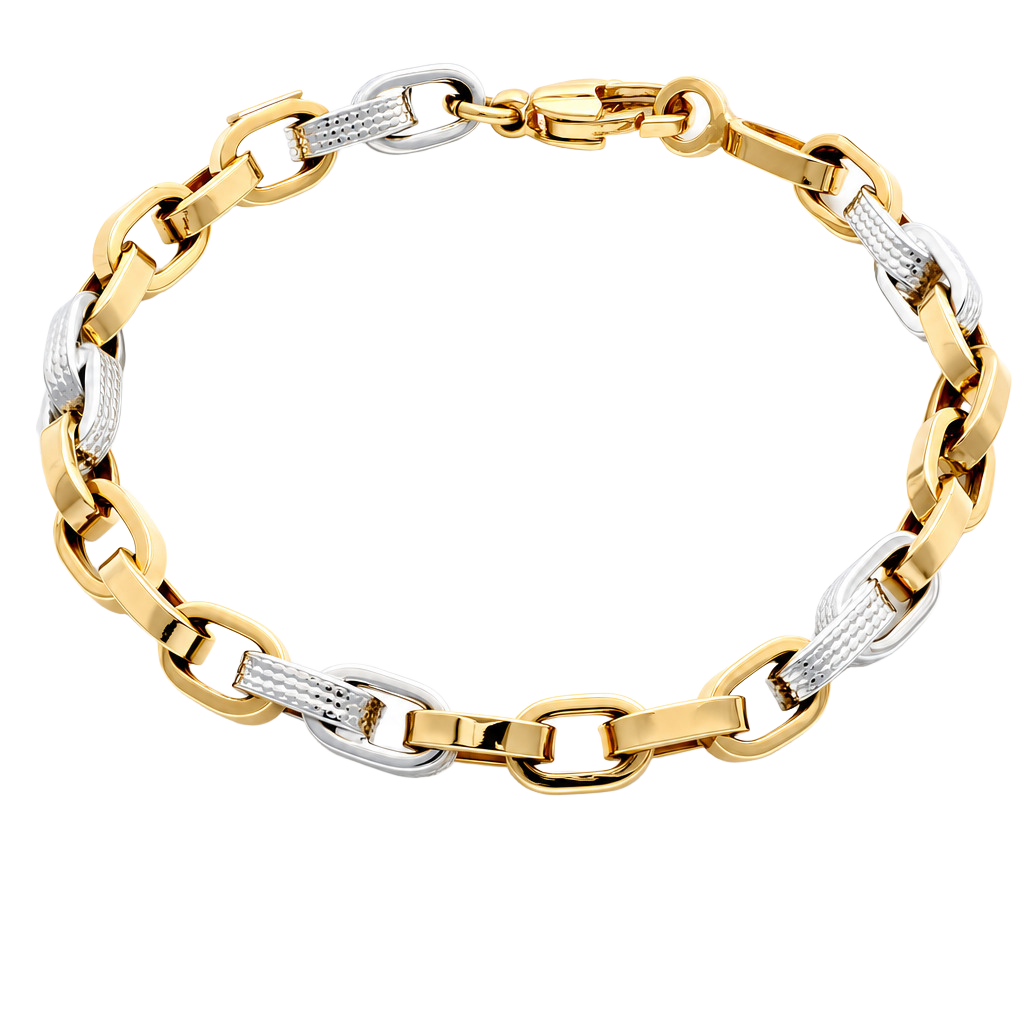
Polished gold and silver do not have a colour of their own so much as they reflect the colours around them. Photograph a ring in a normal room and it will show the window, the ceiling and the photographer. Controlling reflections is therefore the core skill of jewelry photography.
Understand what the metal is reflecting
A highly polished surface behaves like a curved mirror. Whatever sits in front of it, including your lights, appears as a highlight. The practical rule is that the size and softness of the light source determines the quality of the reflection: a large, soft source gives a smooth, gradual highlight; a small, hard source gives a harsh bright spot.
Use large, soft, diffused light
Place the piece inside a light tent or lightbox, or put diffusion material between the lights and the piece. The closer the diffusion is to the jewelry, the softer and larger the reflection will be. This is the single biggest improvement over shooting in the open.
Shape reflections with white and black cards
- White cards reflect light into the shadow side and open up dark areas
- Black cards create dark reflections that define edges, which is especially useful on silver and white gold that otherwise looks flat
- Move the cards, not the piece, so the framing stays the same
Change the angle
Small changes of angle move reflections across the surface. Tilting a ring a few degrees, or lifting the camera slightly, often moves an unwanted reflection off the metal. In a repeatable setup, fix an angle that works and use it for every piece of the same type.
Think about gold colours and finishes
Yellow, rose and white gold each need slightly different treatment. Warm reflections can make white gold look yellow, and cool ones can drain rose gold. Use a neutral reference such as a grey card to set white balance, and keep the same settings across the collection. Satin and brushed finishes reflect less and are easier, but still need controlled light to show texture.
Fix what remains in post-production
Even a well-controlled shot may need cleaning: dust, small scratches and fingerprints show up in reflections. Retouch conservatively; the customer must recognise the piece when it arrives.
A repeatable approach
Controlling reflections by hand takes practice and constant adjustment. The more pieces you photograph, the more valuable it becomes to freeze a setup that works. ALO Photo Tube uses adjustable panels to remove shadows and reflections, while ALO Photo Sphere offers front, back and diffused light that you can store as profiles, and glossy or matte turntables to choose the type of reflection under the piece. ALO App can then clean up fingerprints and stains on metal and change the colour tone for yellow, rose and white gold.
Read the jewelry photography overview or see the equipment.
How to Photograph Gold and Silver Jewelry Without Reflections