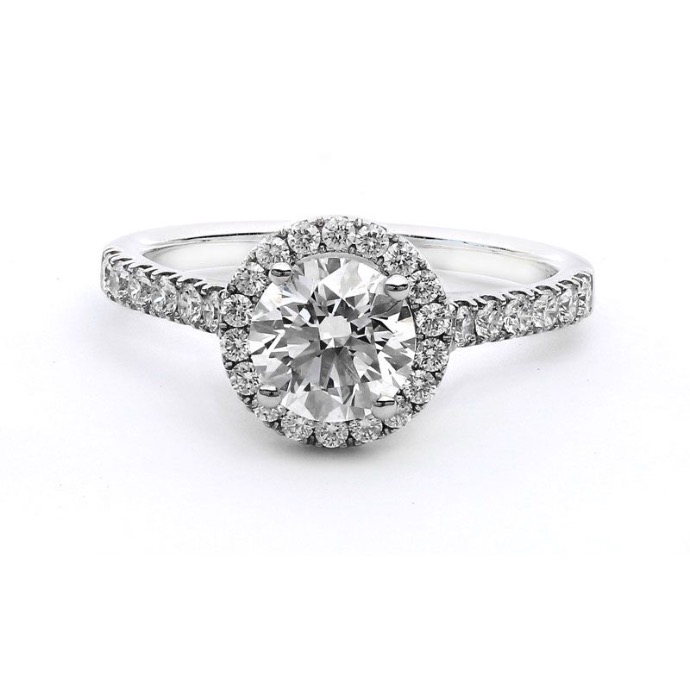
A jewellery manufacturer does not photograph a ring. It photographs a collection of hundreds of references, in several sizes and finishes, for line sheets, e-commerce partners, marketplaces and trade shows. At that volume the main problem is no longer image quality. It is consistency, and the time it takes to get there.
Why consistency is hard in jewellery photography
- Different operators light the same type of piece differently
- Colour drifts between sessions, days and locations
- Pieces arrive from production at different times, so shoots are spread over weeks
- Retouching hides the differences, but at a cost in hours
Start with a standard shot list
Define, per product type, which views are needed: for example front, three-quarter, side and top for rings; hanging front and back for earrings; full length and clasp for necklaces. Write it down and treat it as part of the product specification.
Store the light, do not recreate it
The biggest saving comes from freezing a setup that works. In ALO App, light profiles can be stored and applied to any product, and equalization profiles can be saved and applied across similar products. Templates reuse "ghost images" that recreate the exact scene, placement and lighting parameters of a previous shoot, so a new piece can be positioned to match the rest of the range.
Shoot in the workshop, not in a studio
If the system is simple enough to be operated by a person with no photography experience, the shoot can happen at the bench, when the piece is finished. That removes the shipping of samples, the waiting and the coordination with an outside photographer.
Automate the retouching
Cropping, removing fingerprints and stains on metal, and matching colour for yellow, rose and white gold can be done automatically and applied to the whole batch. A person then reviews exceptions instead of editing every file.
Connect the images to the product data
Images are most useful when they are tied to the product record: reference code, material, size and price. ALO treats capture as the first step of a pipeline that continues into enhancement, enrichment and distribution to websites, marketplaces, catalogues and ERP or PIM systems. Read more about product intelligence.
What to look for in a system
- Repeatable lighting and positions, not just good lighting
- Photo, 360° and video from the same capture
- Automatic retouching that can be applied in batches
- Operators who need no photography training
- A path from image to catalogue, website and marketplace
ALO Photo Sphere is built for this kind of production, and ALO Photo Tube brings the same logic to smaller teams. Book a demo with your own references.
Jewellery Photography for Manufacturers: Consistent Catalogues at Scale