ALO Photo Sphere
El sistema de captura todo en uno para fotos y videos profesionales de producto, conectado a ALO.app y diseñado para contenido de producto estructurado.
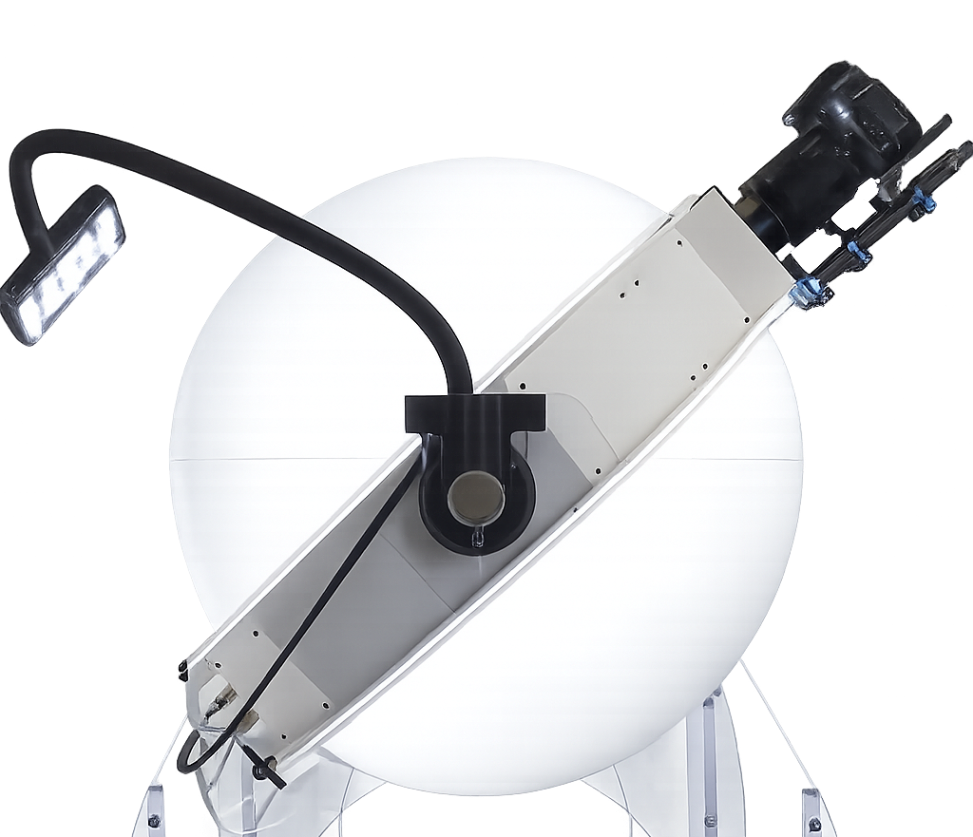
Hardware que alimenta un flujo inteligente.
ALO Photo Sphere captura cada producto de forma controlada y repetible. Después, ALO.app mejora, reconoce y organiza ese contenido, transformando las capturas en bruto en datos de producto estructurados y listos para distribuir.
Un sistema de captura construido en torno al producto.
ALO Photo Sphere es nuestra solución todo en uno para fotos y videos de comercio electrónico, fotografía técnica, bodegones, contenido para redes sociales, catálogos y revistas. Coloque el producto y deje que el sistema trabaje.
Eje de rotación automatizado
Una mesa giratoria interna y una rotación esférica, ambas controladas por software, determinan el ángulo correcto para cada captura, dando como resultado videos emotivos.
Gestionado desde ALO.app
El Sphere se controla directamente desde su PC a través de ALO.app, utilizable por profesionales, aficionados y operadores sin necesidad de experiencia en fotografía.
Soporte de cámara totalmente móvil
Ideal para fotos y videos de artículos colocados sobre la plataforma o en posición vertical, para productos de formas y tamaños muy diferentes.
Sistema de iluminación electrónico
Ajuste la iluminación de ALO Photo Sphere directamente desde ALO.app y guarde sus perfiles de luz para aplicarlos a cualquier producto en cualquier momento.
Puntos de disparo.
Cuatro posiciones de cámara fijas cubren todos los ángulos que necesita un producto, sin reposicionar nunca el objeto en sí.
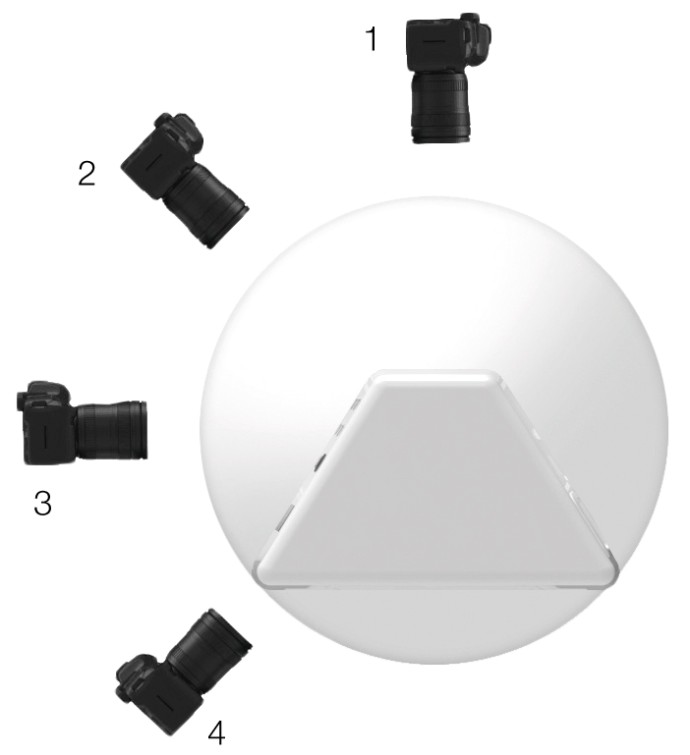
Vista técnica
Para una vista superior perfecta, con proporciones y dimensiones reales.
Vista en perspectiva
Una vista en perspectiva emotiva, como si la pieza estuviera puesta.
Vista frontal
Para centrarse más en los detalles.
Piezas colgantes
Gracias a la mesa giratoria Smiley, es fácil colgar y fotografiar objetos de forma natural.
Fuentes de luz.
ALO Electronic Lighting System le permite ajustar las luces de ALO Photo Sphere directamente desde ALO.app, de forma independiente, y guardar sus perfiles de luz para reutilizarlos en cualquier producto.
Luz frontal
Aporta luminosidad a la parte frontal de los productos.
Luz trasera
Crea fondo blanco y contrastes.
Luz difusa
Ilumina el producto de forma difusa.
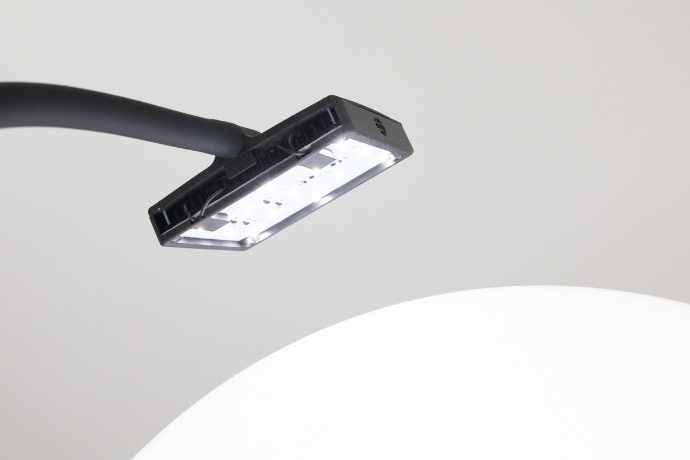
Foco externo ALO
Luz dinámica para crear fácilmente puntos de luz personalizados.
Mesas giratorias.
Blanco mate
Sombras suaves o intensas, gracias a la luz difusa superior y a los focos puntuales.
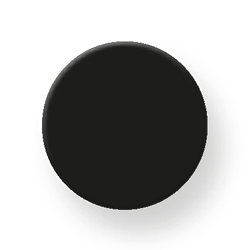
Negro mate
Contenido lifestyle elegante y emotivo, con o sin sombra.
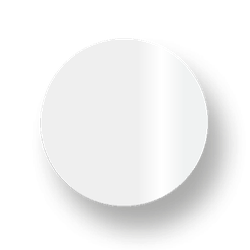
Blanco brillante
Piezas con un elegante reflejo natural.
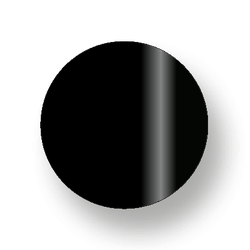
Negro brillante
Contenido emotivo con un reflejo refinado y suave en un entorno oscuro.
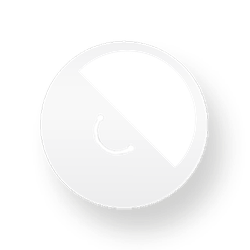
Smiley
Cuelgue y capture pendientes y collares en su posición más natural.
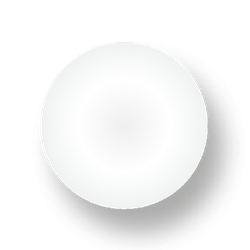
Translúcido
La luz trasera ilumina toda la mesa giratoria para tomas desde arriba y en perspectiva.
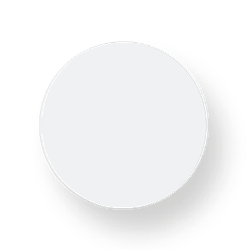
Transparente
Cree fácilmente un fondo blanco automático, transparente o personalizado.
El flujo de trabajo de ALO.app.
Cada foto tomada con ALO Photo Sphere pasa por las mismas cuatro etapas dentro de ALO.app, desde la captura en bruto hasta el contenido listo para cualquier canal.
Captura
Mejorar
Preparar
Distribuir
Cada captura, optimizada de la misma manera.
Limpiado, equilibrado y con corrección de color mediante la ALO App, el mismo flujo de optimización con IA utilizado en todos los sistemas de captura ALO.
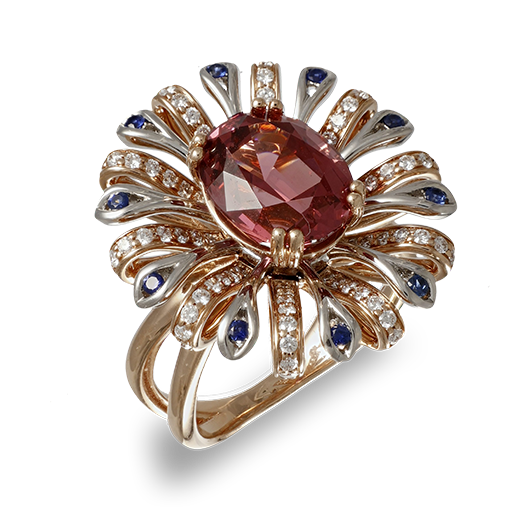 Captura original
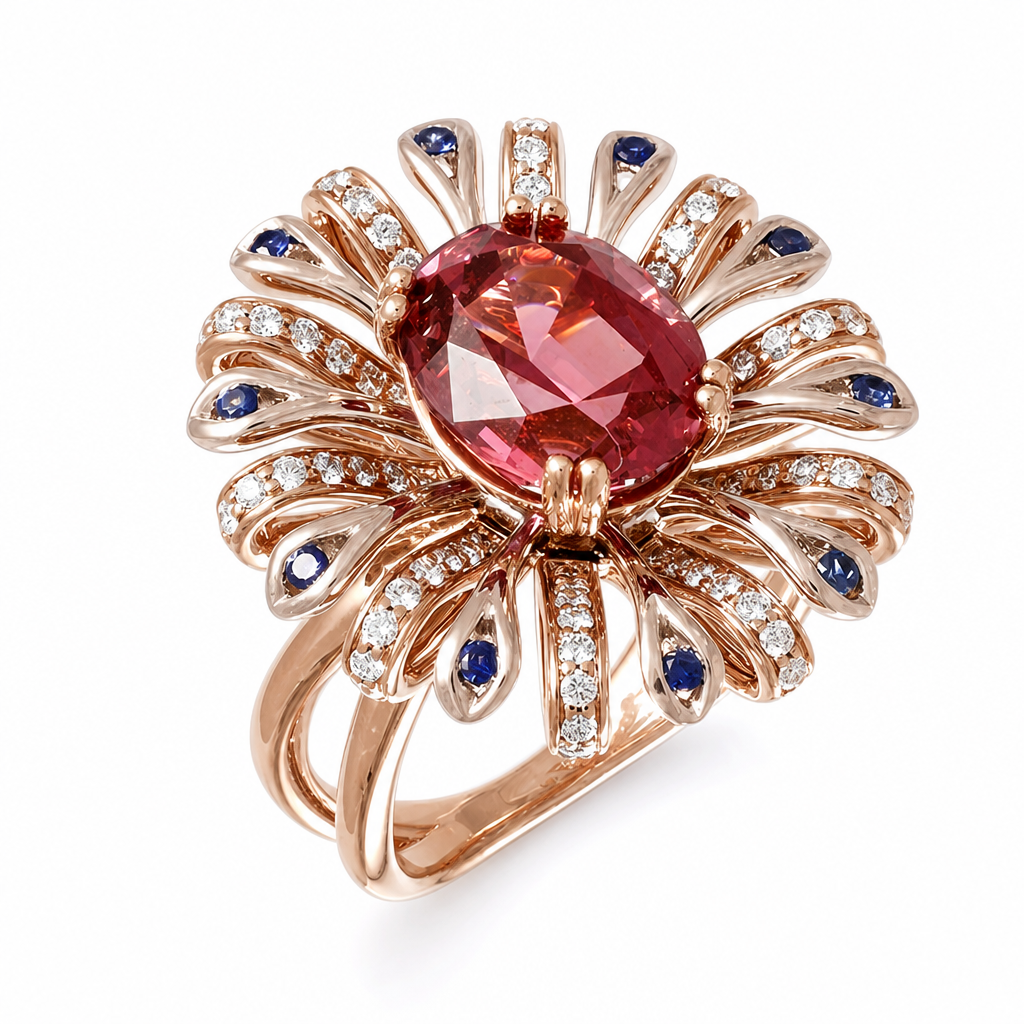 Optimizado con ALO App
Vea ALO Photo Sphere conectado a ALO.app.
Cuéntenos sobre sus productos y le mostraremos el flujo de trabajo completo de Photo Sphere y ALO.app.