Coloque la piedra.
Use el soporte adecuado para fijar la gema sin forzar su orientación natural.
D-Imaging combina iluminación controlada, posicionamiento de precisión y herramientas especializadas de captura de gemas para crear recursos visuales detallados y coherentes.
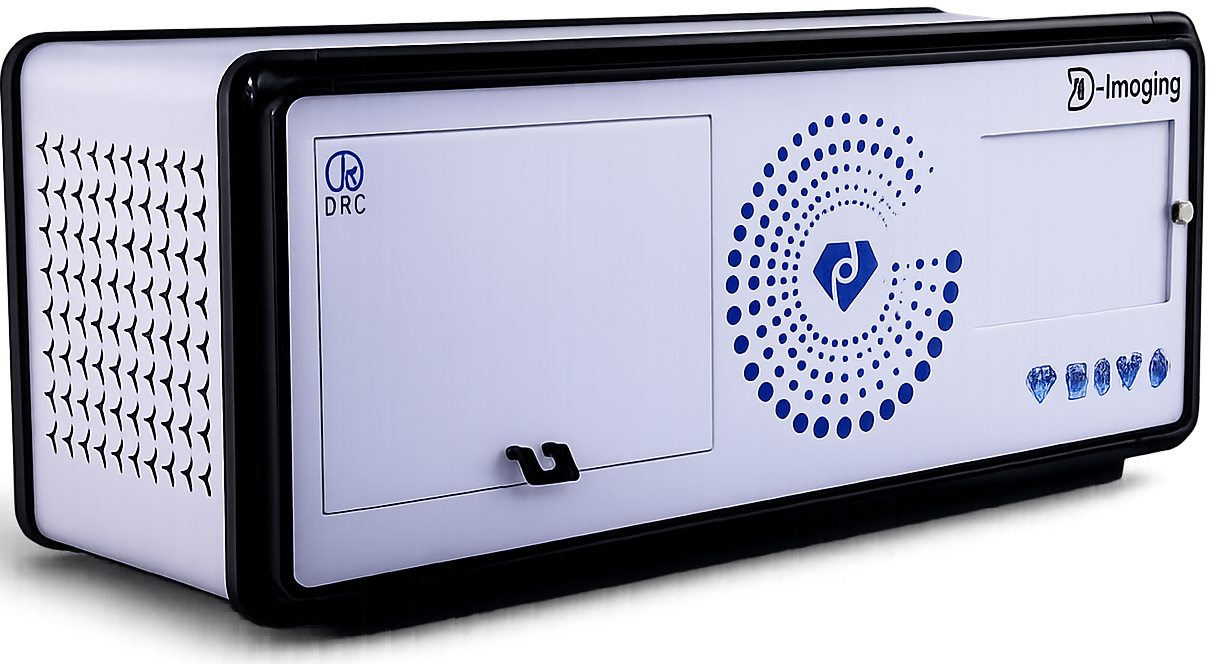
Diseñado para ayudar a revelar forma, talla, color, claridad y detalle óptico.
Las gemas requieren más que una configuración estándar de fotografía de producto. D-Imaging ofrece un entorno controlado diseñado para revelar forma, talla, color, claridad, fluorescencia y detalles ópticos.
La iluminación y el posicionamiento se mantienen coherentes de una piedra a otra.
Accesorios específicos mantienen la piedra estable mientras se fotografía.
Los activos pueden integrarse en el proceso más amplio de digitalización de productos de ALO tras la captura.
El valor de la configuración está en la repetibilidad. Cada paso mantiene la piedra centrada, visible y lista para la siguiente etapa del flujo de trabajo de producto del cliente.
Use el soporte adecuado para fijar la gema sin forzar su orientación natural.
Ajuste reflejos, fondo e iluminación para que los detalles ópticos sean más fáciles de reproducir.
Cree fotografías de alta resolución, primeros planos y contenido rotacional desde la misma configuración.
Revise la imagen en cuanto a simetría, comportamiento del color, claridad y patrones ópticos característicos.
Organice los activos resultantes para el flujo de trabajo de producto más amplio, sin asumir una sincronización automática.
Cada tarjeta de característica se centra en el valor de una vista controlada, de modo que la página se lee como una guía editorial en lugar de un inventario de funciones.

Muestra la simetría y el patrón interno que compradores y especialistas comparan de un vistazo.
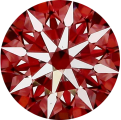
Ayuda a revelar la alineación de las facetas y el patrón óptico creado por una piedra bien tallada.
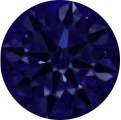
Facilita inspeccionar cómo responde la piedra a la luz en una configuración controlada.
Presenta la geometría de las facetas de forma que sea más fácil de comparar y comentar.
Mantiene visibles las diferencias tonales sin depender de condiciones de iluminación no controladas.
Ayuda a que los detalles de superficie e internos permanezcan visibles en un encuadre de captura coherente.
Controle el entorno alrededor de la piedra para que los reflejos, los bordes y los detalles internos sean más fáciles de reproducir y evaluar.
La jaula de reflejos y el entorno de luz controlada ayudan a mantener bajo control los brillos no deseados, preservando al mismo tiempo las claves ópticas importantes para la inspección de gemas.
Los accesorios de posicionamiento específicos mantienen la piedra estable, de modo que el flujo de captura permanezca controlado en todas las tallas y perfiles compatibles.
La configuración está pensada para piedras que necesitan una imagen estable y repetible, en lugar de una captura suelta y abierta sobre la mesa.
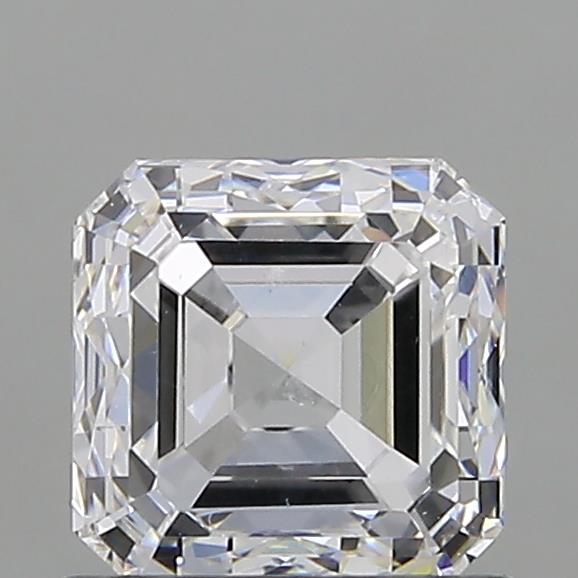
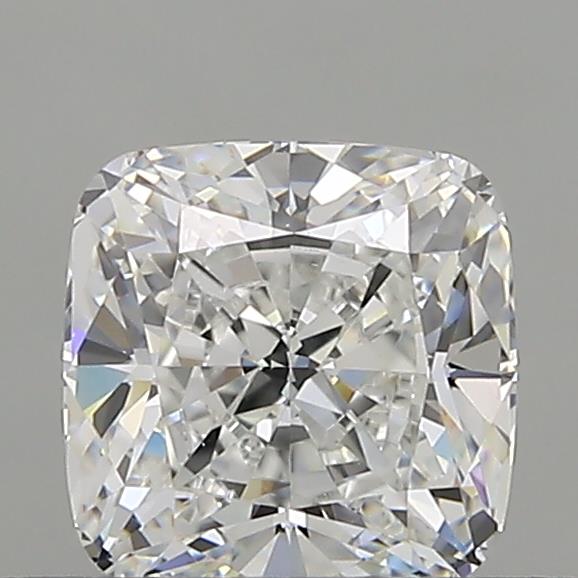
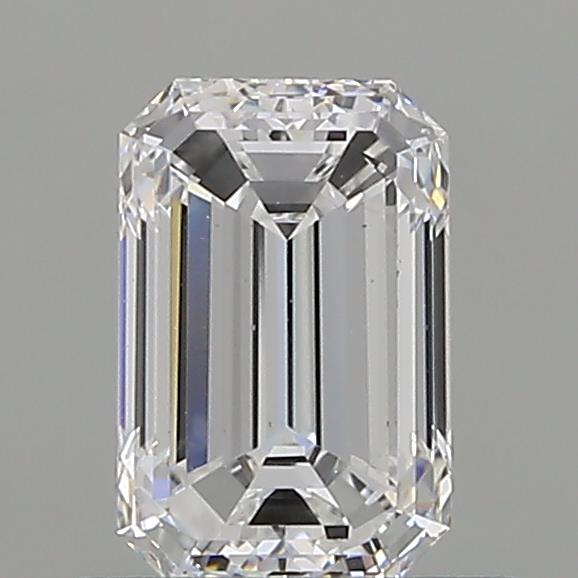
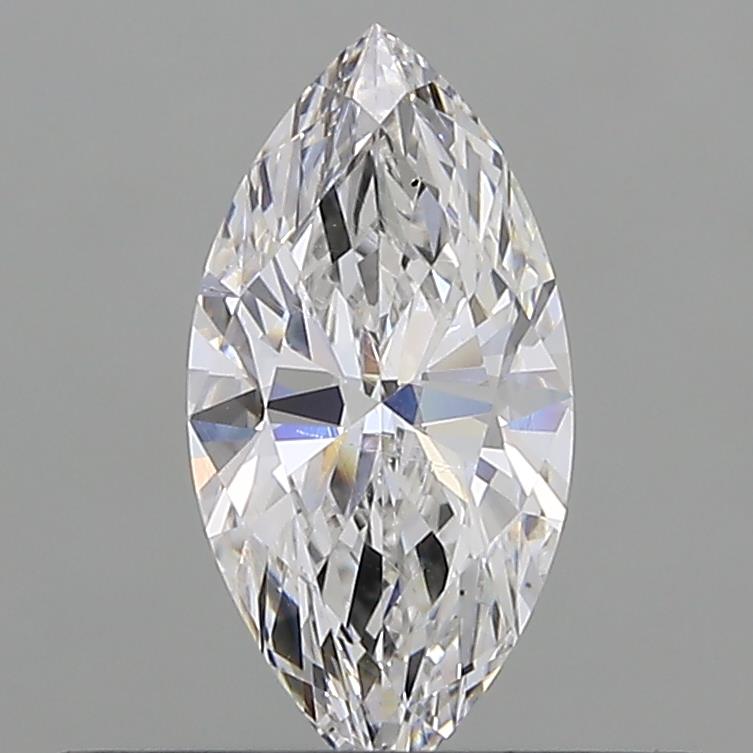
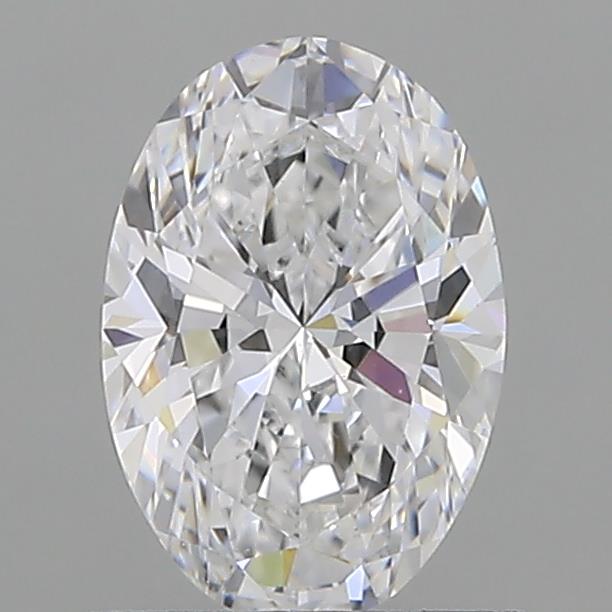
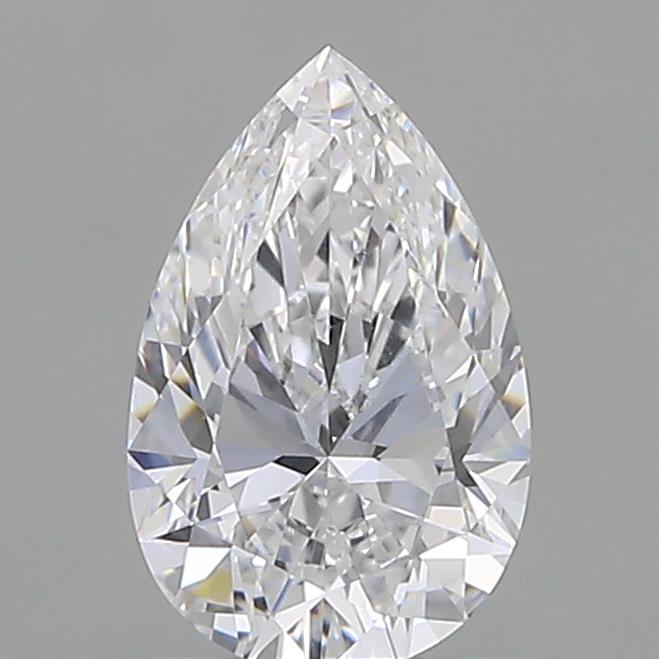
D-Imaging admite los formatos de contenido importantes para la presentación e inspección de gemas, con la repetibilidad como objetivo principal.
Mantenga los detalles clave visibles en un formato reutilizable en varios canales de producto.
Concéntrese en partes específicas de la piedra sin cambiar la lógica de captura.
Muestre la piedra desde varios ángulos manteniendo un encuadre coherente.
Ofrezca a los clientes una lectura visual más completa de la forma y la simetría de la piedra.
Use el movimiento donde esté disponible para que la piedra sea más fácil de inspeccionar y presentar.
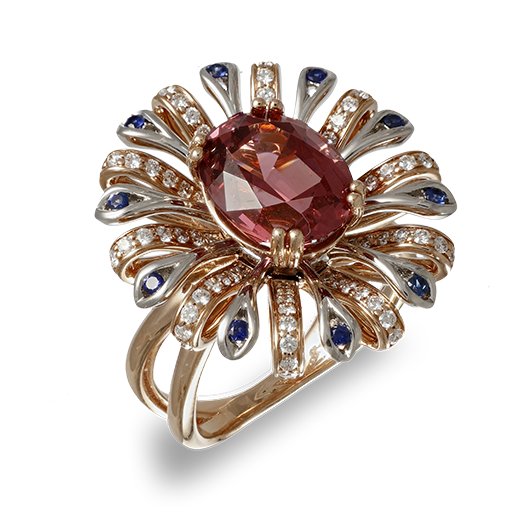
D-Imaging está diseñado para flujos de trabajo con gemas, pero sigue encajando en la lógica más amplia de digitalización de productos de ALO.