Available on iOS, Android and macOS, with the same product catalogue everywhere you work.
ALO Capture · Mobile & Desktop App
Capture, enhance and organize every product from one app.
The ALO app connects your camera, your ALO capture hardware and your product catalogue in a single workflow, on the devices you already use.
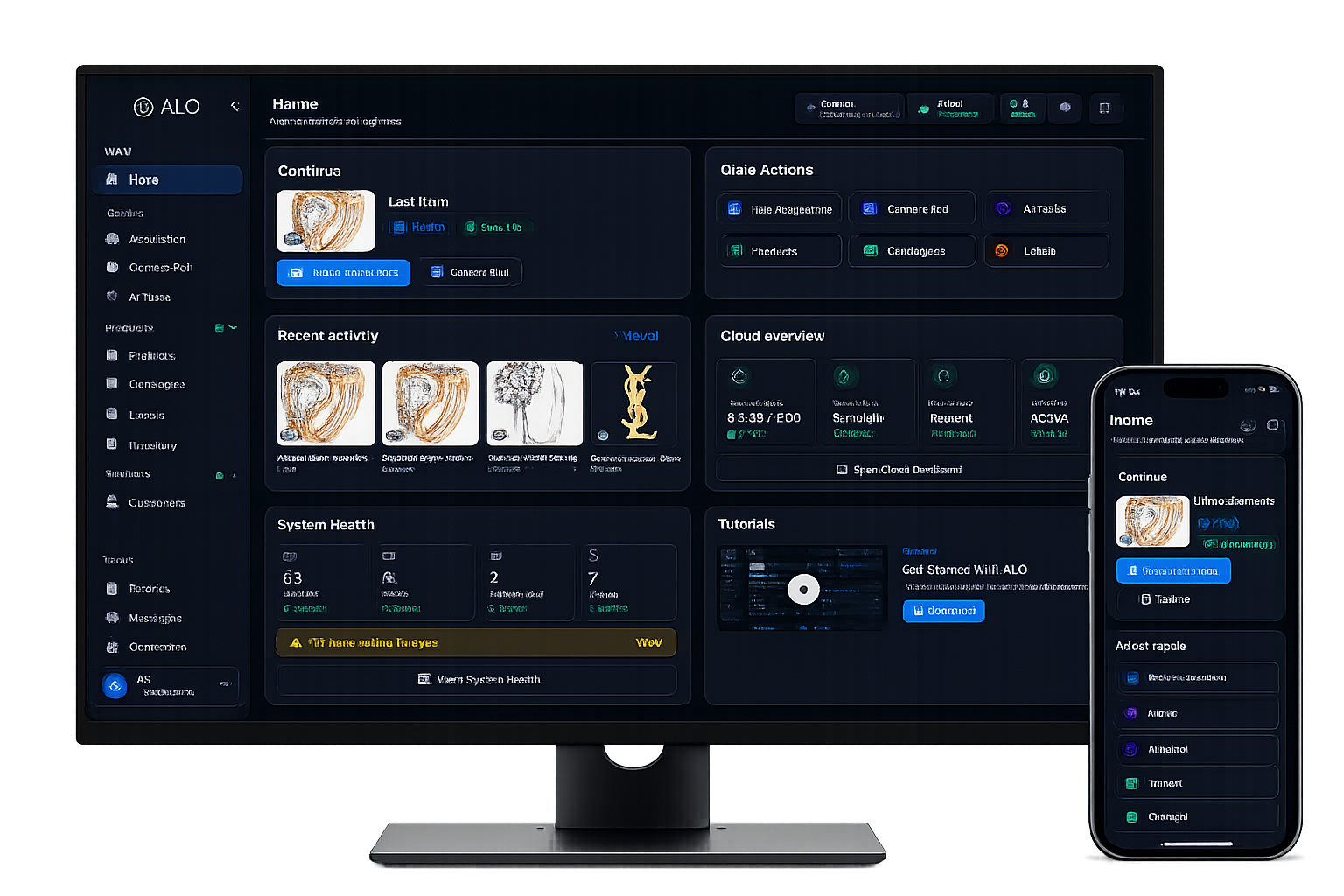
One app behind the entire capture process
The app that connects capture, cataloguing and AI in your pocket.
Use it stand-alone with your phone or a desktop camera, or connect it to ALO Photo Tube and ALO Photo Sphere for guided, motorised capture.
Connects to ALO Photo Tube and ALO Photo Sphere over Bluetooth to control lighting and motorised movement directly from the app.
Every product you capture stays synced to your ALO Cloud catalogue automatically.
From camera to catalogue
A clear sequence, from shot to shared product.
Each step stays under your control. Capture, review and enhancement each happen in a dedicated space of the app.
Capture.
Shoot photos or video with your phone, a desktop camera, or a connected ALO capture system.
Control the setup.
Adjust exposure, white balance, zoom and crop, or trigger motorised rotation on connected hardware.
Stack and mask.
Use focus stacking and masking sessions to prepare clean, detailed product shots.
Organize.
Every capture lands in your product catalogue, ready to search, sort, merge or split.
Enhance with AI.
Generate product descriptions, remove backgrounds and touch up images without leaving the app.
Sync and share.
Products stay synced with ALO Cloud and are ready to share as soon as they're ready.
Camera and capture
A camera made for products, not just photos.
Available controls depend on your device and the connected ALO capture configuration.
Capture stills and video, with shutter timers, zoom presets and configurable crop.
Combine multiple focus points into one sharp result, or run a masking session for a cleaner background.
Save a capture setup once and reapply it to the next product.
Hardware control
Control your ALO capture system from your phone.
Discover, connect and drive ALO Photo Tube and ALO Photo Sphere over Bluetooth, directly from the app.
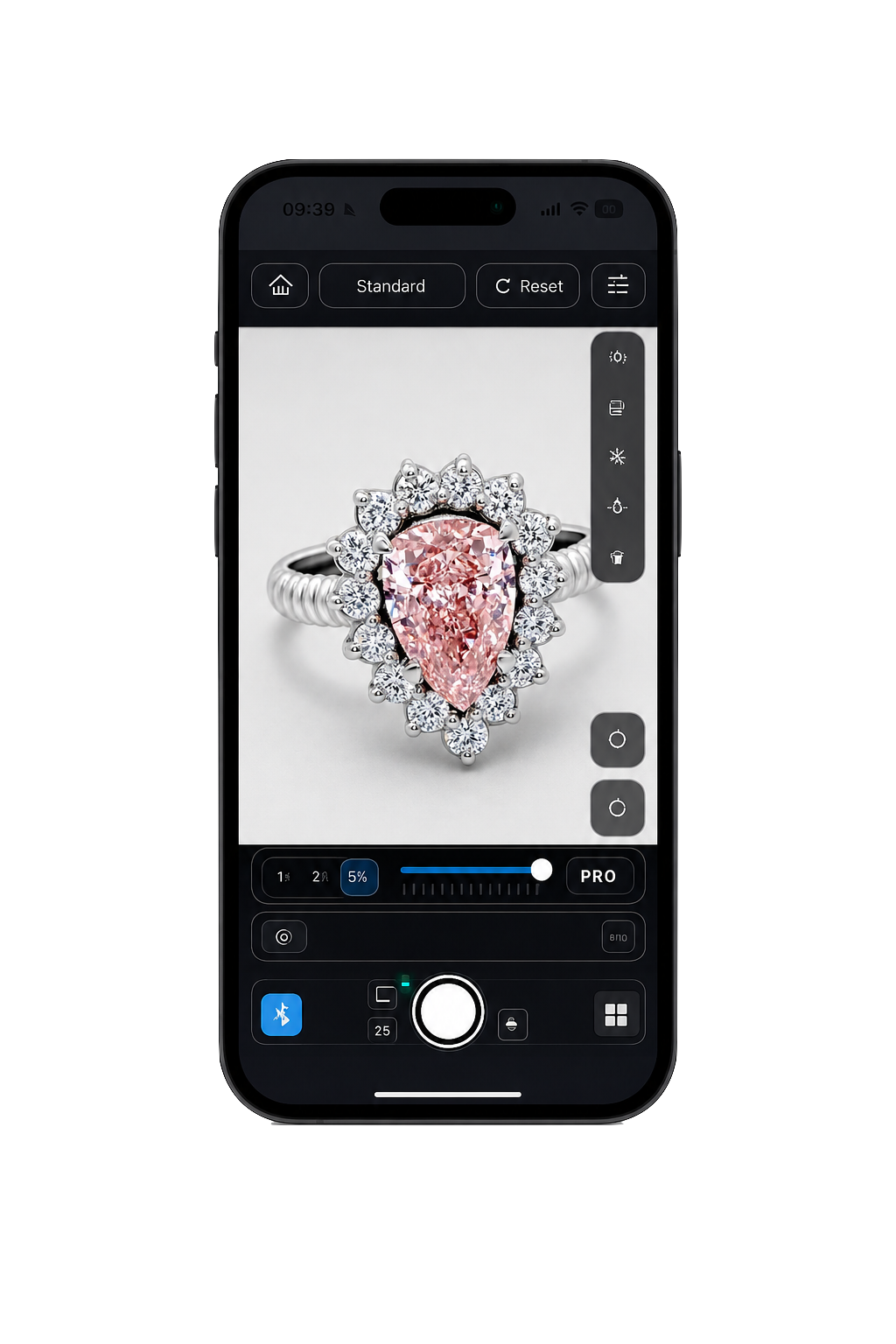
Discover and connect
Scan for nearby ALO capture hardware and connect over Bluetooth.
Motorised rotation
Set speed, direction and movement on connected turntables.
Lighting channels
Adjust light channels and spot lighting from the same screen.
Magic Move
Run programmed movement sequences on a supported ALO Photo Sphere setup.
Product catalogue
Every product, organized and always in sync.
Browse your catalogue as a list, cards or grouped by product, then search, sort, merge, split, share or delete without switching tools.
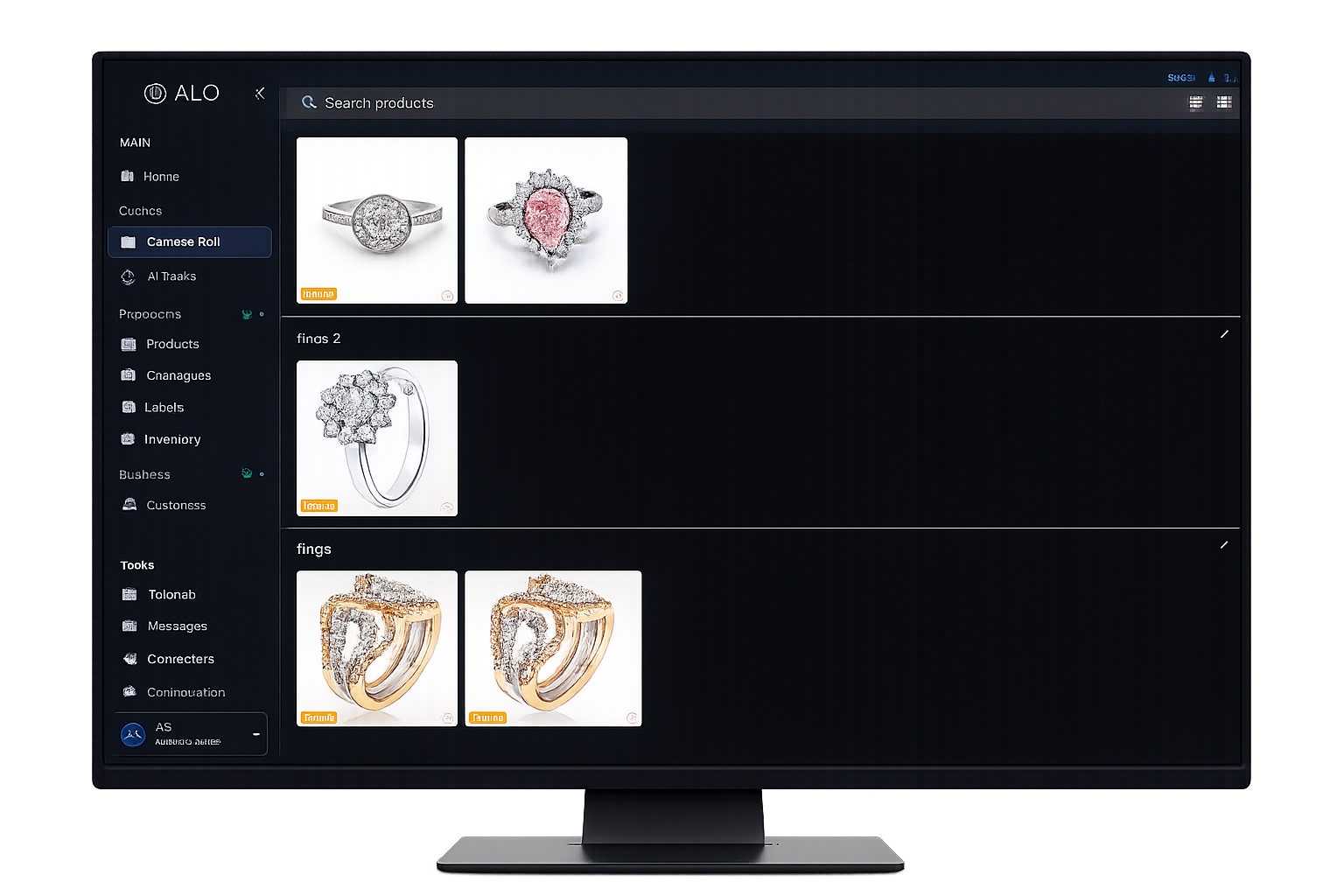
Search and sort
Find any product quickly across your whole catalogue.
Merge and split
Combine media into one product record, or split a session into several.
Bulk actions
Share or delete multiple products at once.
Cloud sync
Products sync automatically, with manual sync and pull-to-refresh when you need it.
AI and product content
Let AI help you describe and refine each product.
Generate product descriptions from your captured content, remove backgrounds, touch up images, and pick up a saved AI job right where you left it.
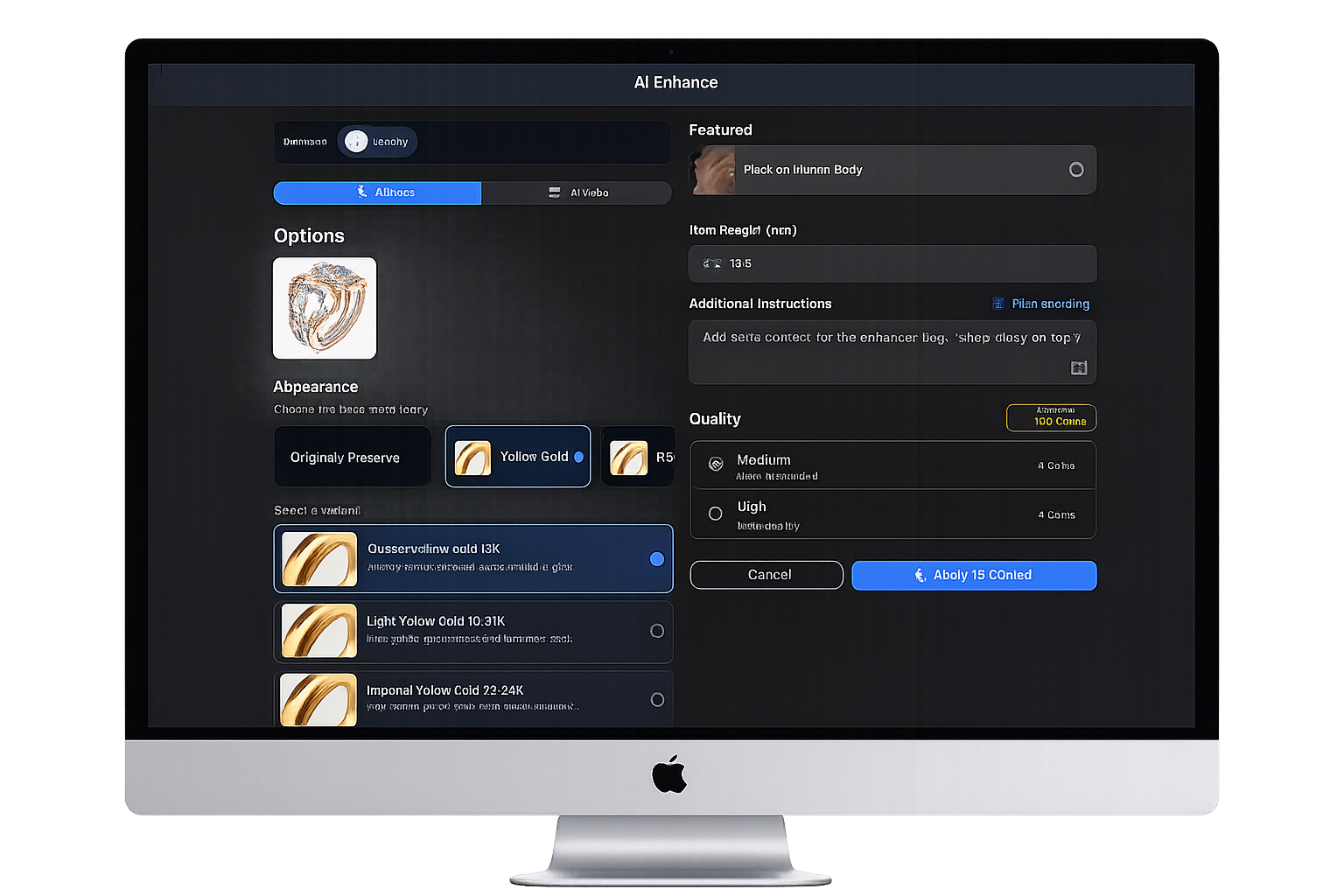
AI descriptions
Generate product descriptions from your captured photos.
AI Enhance and Touch-up
Improve exposure, detail and background with AI-assisted image processing.
Remove background
Isolate the product from its background in a single action.
Resume anytime
Close the app mid-job and pick the result back up when it's ready.
Available today
One app, available where you work.
Platform availability and hardware controls depend on your device and the connected ALO capture configuration.
The full mobile app, including camera, hardware control and catalogue.
A desktop build of the same app, for desktop and supported camera workflows.
A Windows build is currently available as a beta release.
An Apple Watch companion is available for remote shutter control from supported iPhones.
Part of the ALO platform
The app that brings the ALO workflow into your hand.
The ALO app is the everyday interface to the same connected workflow that runs through ALO's capture hardware and cloud catalogue.
See how the ALO app fits your product workflow.