Organize your products
Every capture lands in a searchable product catalogue, ready to sort, merge or split.
Welcome,
What would you like to do today?
Keep capturing with the Photo Scan system you already know. The wider ALO workflow now continues in alo.app, where what you capture is organized, enhanced and kept connected across the ALO ecosystem.
Active rental? Your upgrades are included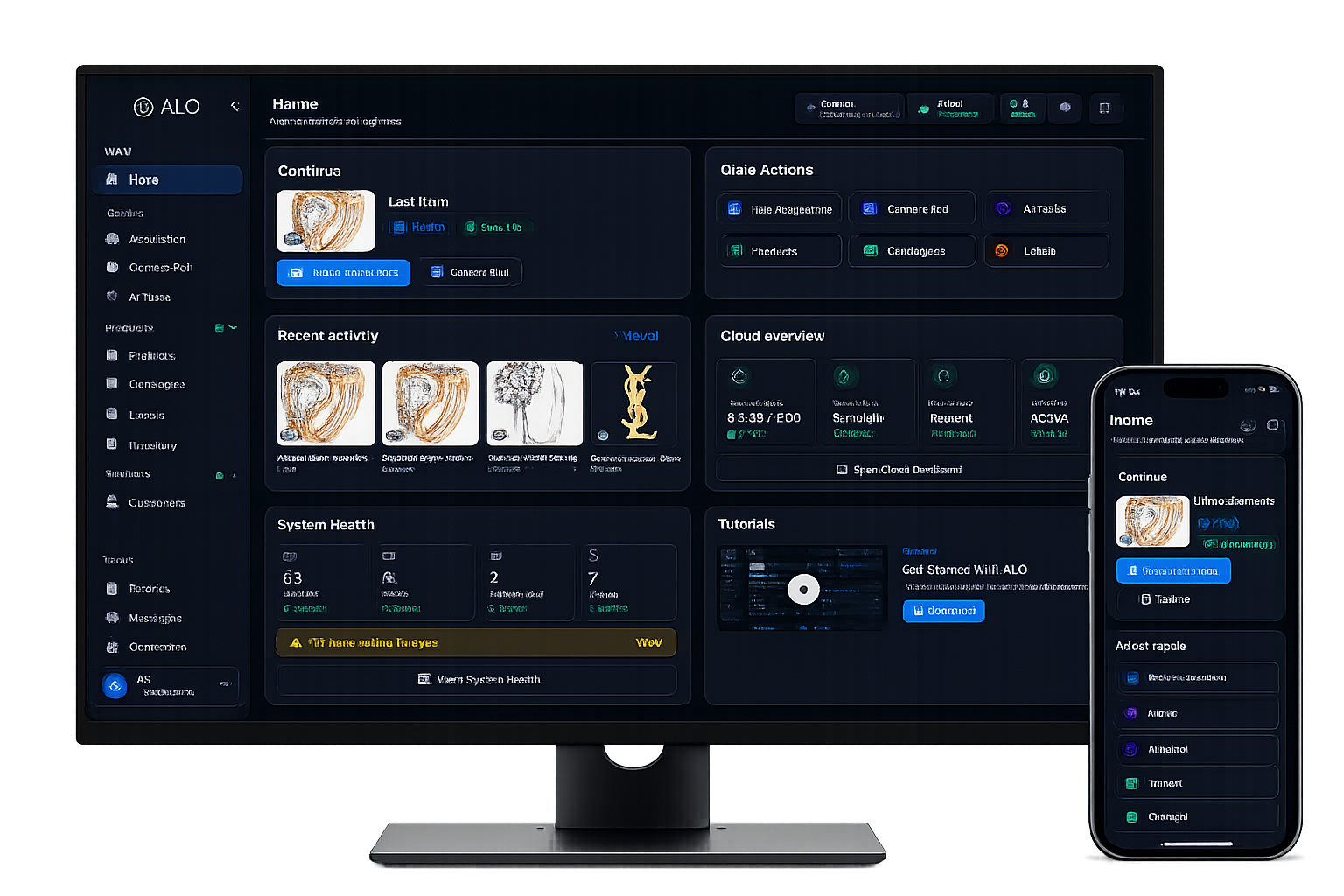
ALO Photo Scan 6 keeps controlling lighting, rotation and camera settings exactly as it does today. Focus stacking, masking, presentations and camera calibration all keep working the same way.
alo.app is where the ALO workflow picks up after capture: the same products, organized, enhanced and kept in sync everywhere you work.
Every capture lands in a searchable product catalogue, ready to sort, merge or split.
Continue working with your captured content beyond the acquisition station.
What you organize in alo.app stays connected across the devices you use.
One example: the same capture, refined automatically once it reaches alo.app.

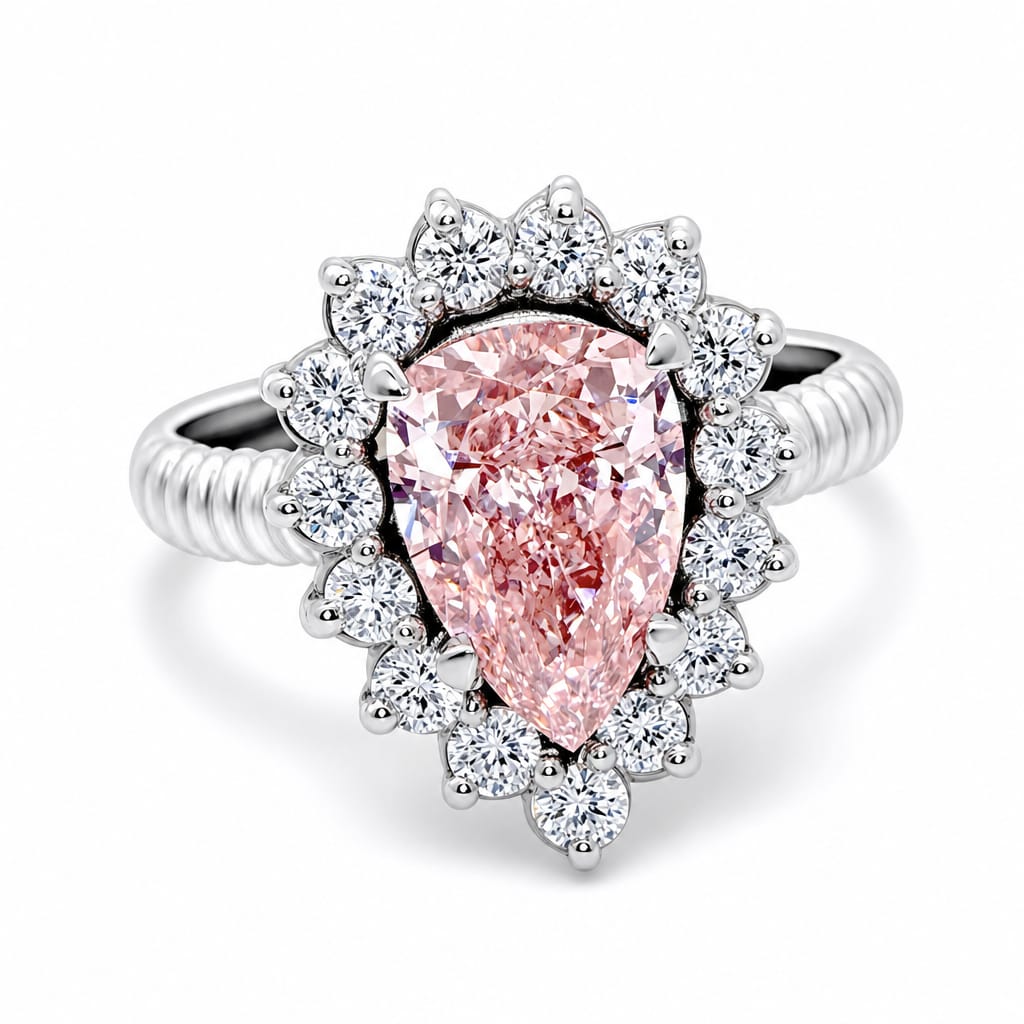
More results from the same session.

Your ALO system is designed to evolve with you. While your rental is active, eligible ALO software upgrades, including the move to the current alo.app generation, are included at no additional license-upgrade cost. This has always been part of the ALO rental model, not a limited-time offer.
Professional services such as on-site support, training or complex migration may still be quoted separately unless already included in your rental contract or commercial offer.
ALO Coins every year
To use with eligible Product Intelligence and AI workflows, for the duration of your rental.
Once your captures are in alo.app, Product Intelligence can help you take them further.
Improve product images through an integrated AI workflow.
Prepare cleaner product assets automatically.
Generate product copy from your captured content.
Everything you organize in alo.app stays synced to your personal ALO Cloud workspace, accessible across the devices you use.
These step-by-step guides cover camera control, lighting, focus stacking, masking, photo and video editing. They apply to ALO Photo Scan 6 and 7 alike.